View filters are essential tools in Odoo 15 for efficiently managing and organizing large volumes of data. Filters let you customize the information you see and focus on what matters most to your business. In this article, we will show you how to apply different view filters in Odoo 15 to improve your workflow and make better-informed decisions based on specific data.
You can apply view filters in any view you need, including products, inventory, accounting and vendor bills.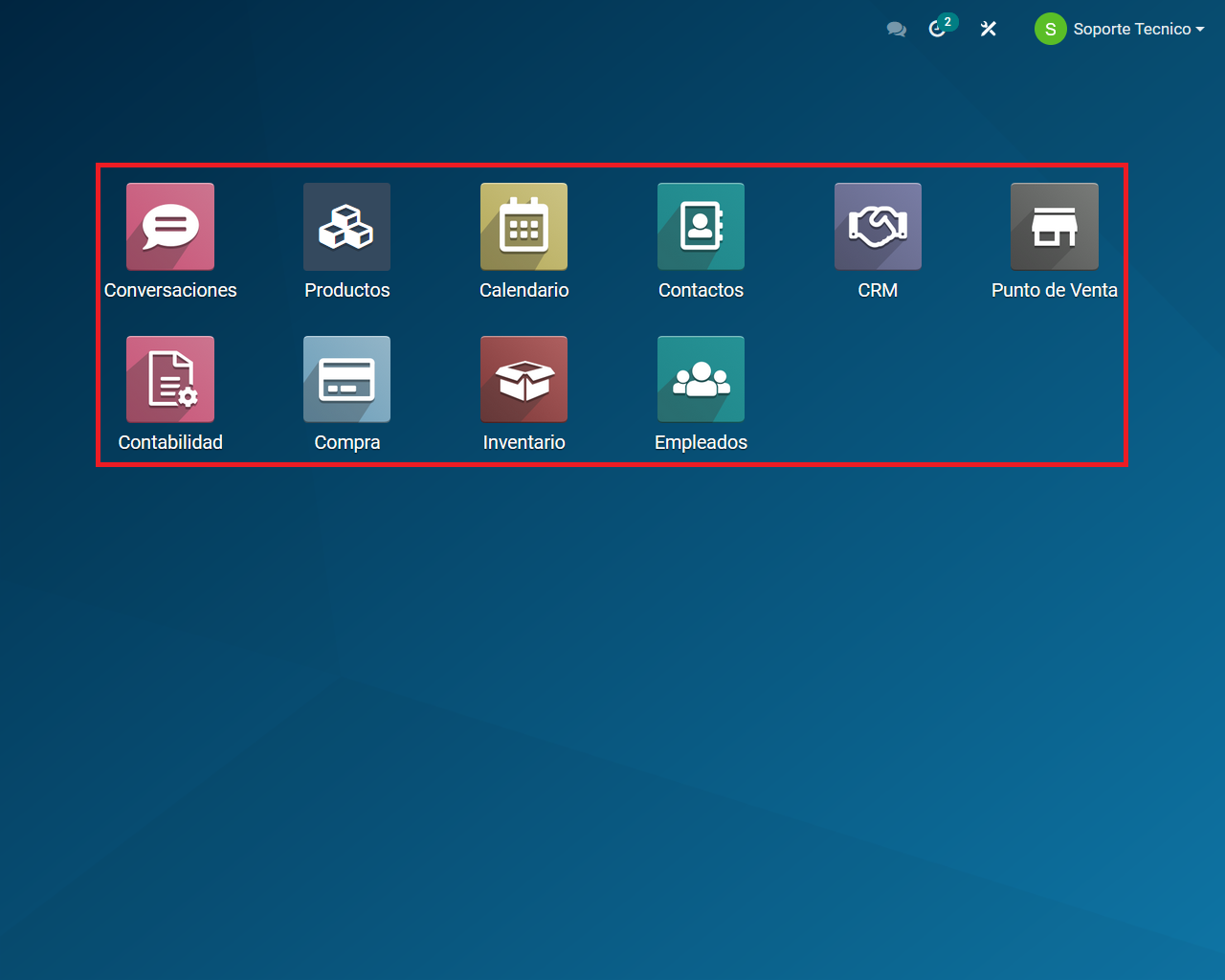
For this example, we will use the products view.
You can apply filters using any of these 5 view options. The filters will appear in the search bar above as you apply them.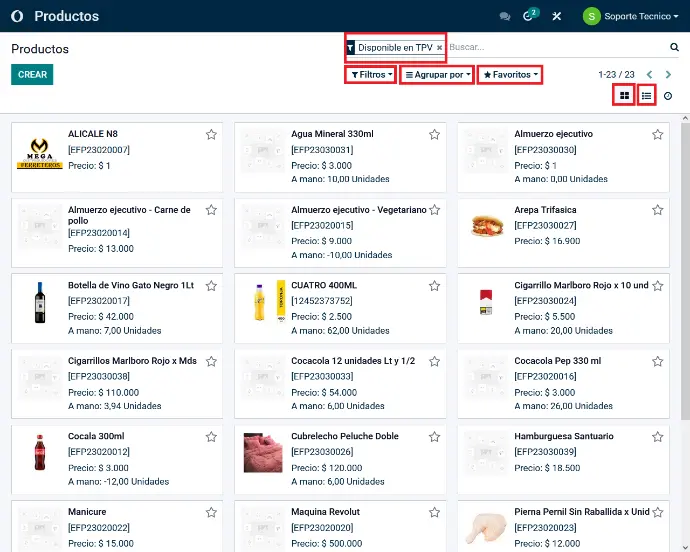
The "Filters" option.
In this section, you can add custom filters by clicking "Add Custom Filter".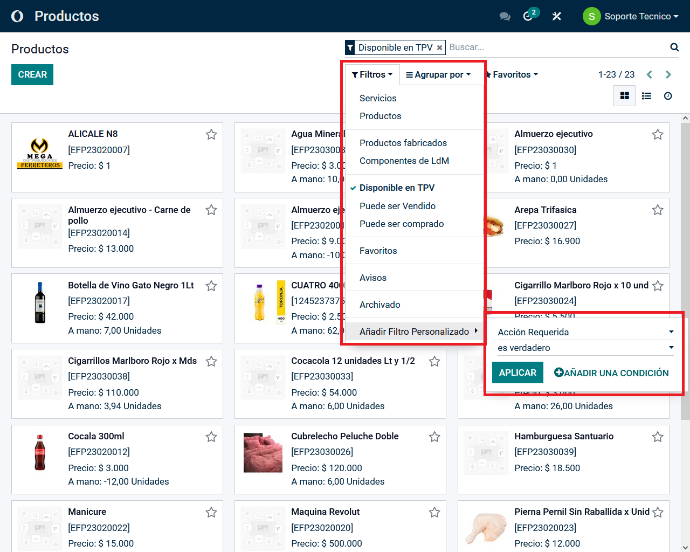
The "Group By" option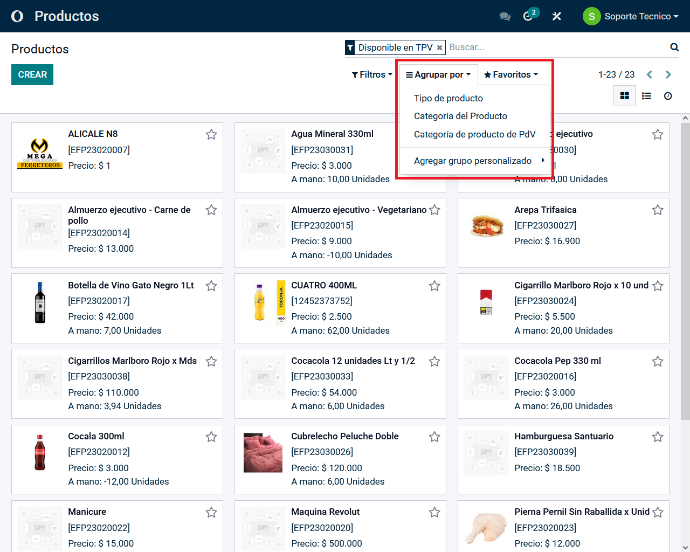
The "Favorites" option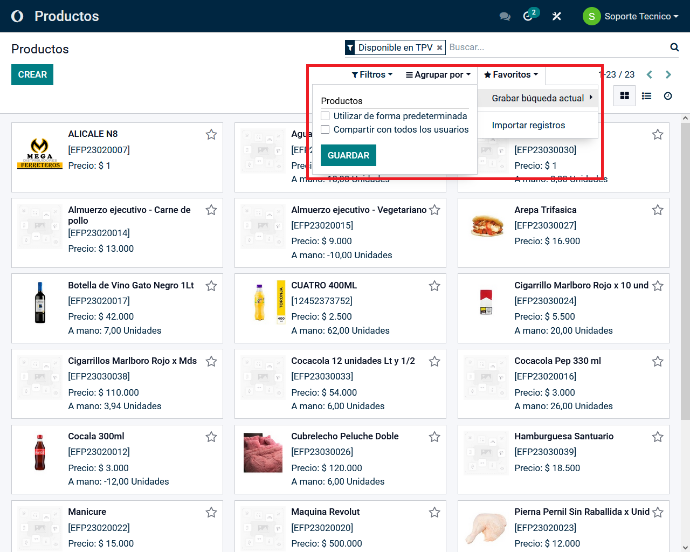
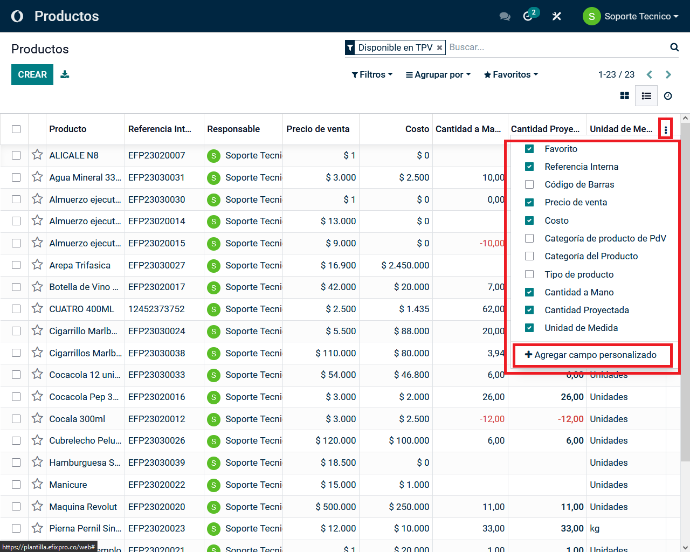
You can also display each view as a table, with more detailed information depending on the options you select.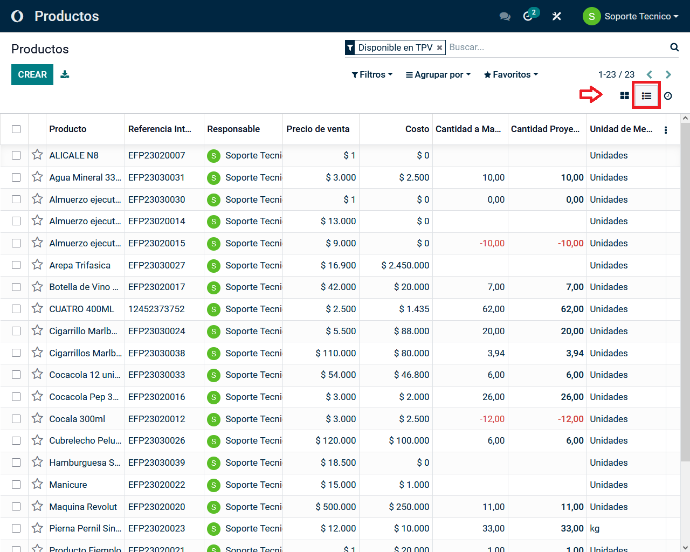
To add more information columns, click the 3 vertical dots in the last column and select the additional columns you want to display.
You can also add a custom field.